Welcome to WordPress. This is your first post. Edit or delete it, then start writing!
Blog
-
How to Delete a Facebook Page (Including Business Pages)
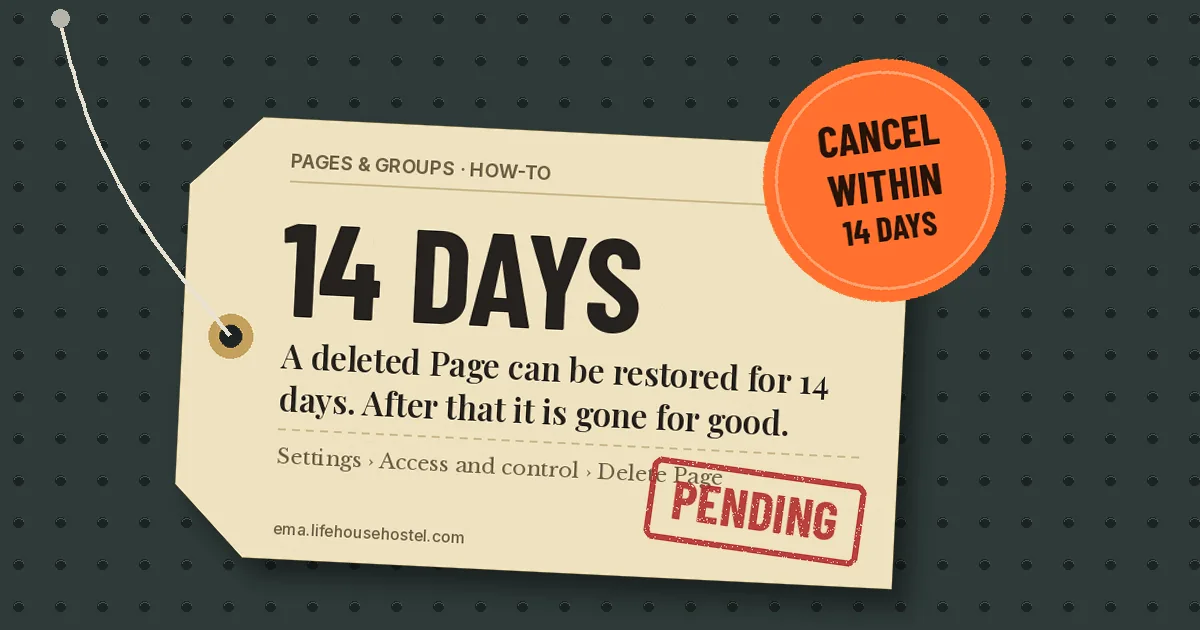
To delete a Facebook Page, switch into the Page, open Settings & privacy > Settings > Access and control, then choose Delete Page. Facebook deactivates the Page at once but keeps it for 14 days. You can cancel during that time. After 14 days it is gone for good, with its posts, followers and reviews.
- You need Facebook access with full control of the Page to delete it.
- Deletion becomes permanent 14 days after you request it. Cancel before then to get everything back.
- Want it out of sight without losing it? Deactivate it instead (older Pages call this “unpublish”).
On the Facebook app (Android or iPhone)
- Tap your profile picture (bottom right on iPhone, top right on Android) and tap the Page’s name to switch into it.
- Open the menu and tap Settings & privacy, then Settings.
- Tap Access and control.
- Tap Delete Page, then Continue.
- Enter your password if asked, and confirm.
On a computer
- Log in at facebook.com, click your profile photo at the top right, then See all profiles.
- Select the Page to switch into it.
- Click the Page’s photo at the top right, then Settings & privacy > Settings.
- Click Access and control in the left menu.
- Select Delete Page, click Continue and follow the prompts.
Can’t find Access and control? Meta moves Page settings in waves. On some Pages the same option sits under Privacy > Facebook Page information > Deactivation and deletion.
Deleting a business Page
A business Page is deleted the same way. Two extra checks first:
- Check who has full control. If the Page belongs to a business portfolio in Meta Business Suite, the person deleting it needs Facebook access with full control. Task access isn’t enough.
- Removing it from Business Suite is not deleting it. Taking a Page out of a business portfolio only unlinks it. The Page stays live on Facebook.
- Turn off running ads first. Stop or finish any campaigns tied to the Page so you aren’t left with billing questions.
- Download your data. If you want the posts and photos, download the Page’s information before you delete. Once the 14 days pass there is nothing to download.
How to cancel a Page deletion
You have 14 days. Log in to your personal profile, find the Page under your profiles, and choose to reactivate it (it may show as Cancel deletion). Do this from your personal profile; the Page’s business settings don’t offer it. The Page returns with its followers and posts.
Delete vs deactivate
Deactivate (unpublish) Delete Who can see it Nobody except people with access Nobody Followers and posts Kept Removed after 14 days Can you undo it? Yes, any time Only within 14 days If you’re closing a seasonal shop or pausing a club, deactivate. Delete only when you are sure you never want the Page or its audience again.
Gotchas
- Your profile is not affected. Deleting a Page doesn’t touch your personal account.
- Other people with access can cancel it. Anyone else with full control can reactivate the Page during the 14 days. Remove other people’s access first if that’s a risk.
- Old Page links break. Update your website, Google Business Profile and Instagram bio after deletion.
Selling the leftover stock on Marketplace? Here’s what OBO means on Facebook Marketplace and how buyers will read it.
FAQ
Why don’t I see Delete Page?
You probably have partial control or task access. Only people with Facebook access and full control can delete a Page. Ask an owner with full control to delete it or give you full control.
Can I delete a Page someone else created?
Only if they gave you full control. If you can’t reach the owner of a Page about your business, Meta has a separate process for reporting or claiming Pages through the Help Center.
How long does it take to delete a Facebook Page?
The Page disappears from public view at once. Permanent deletion happens 14 days after you confirm.
Do followers get notified when a Page is deleted?
Meta’s help page doesn’t mention any notice to followers. The Page simply stops appearing in their feed and search.
Checked against Meta’s Help Center for the Facebook app on Android and iPhone and facebook.com, October 2026. Sources: Meta Help Center: Delete or cancel deletion of your Facebook Page, Meta Help Center: Deactivate or reactivate your Facebook Page, The Tech Gorilla (August 2026).
-
What Does OBO Mean on Facebook Marketplace?
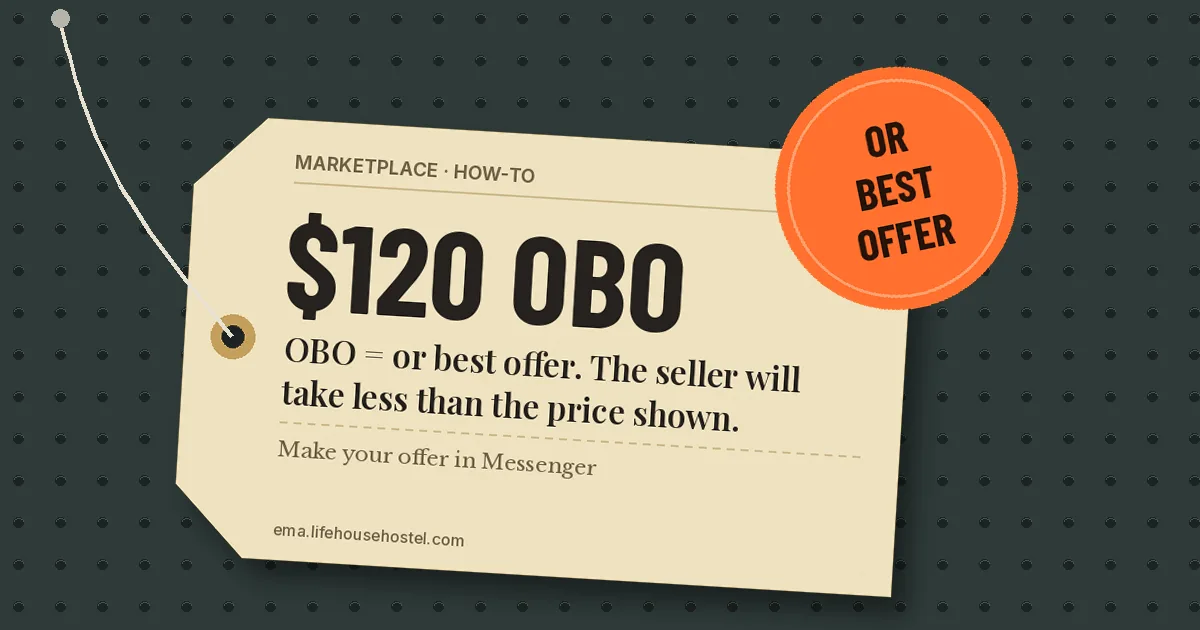
OBO on a Facebook Marketplace listing means “or best offer.” The seller has set a price but will take less if you make a reasonable offer. You make that offer in a message to the seller. Most listings have no offer button, so a clear number in Messenger is how the deal starts.
- OBO = “or best offer.” The price is a starting point, not a floor.
- Make your offer by messaging the seller from the listing. Name one number and a pickup time.
- OBO is a habit borrowed from classified ads. Meta doesn’t treat it as a setting, so nothing about it is binding.
How to make an offer on an OBO listing
- Open the listing in the Facebook app or on facebook.com/marketplace.
- Tap Message (on some listings it reads Send seller a message).
- Replace the default “Is this still available?” with your offer, for example: “Would you take $90? I can pick up Saturday morning.”
- Tap Send and wait for a reply in Messenger.
- If the seller agrees, confirm the price, the pickup place and the time in the same chat so there is a record.
Some shipped listings show a Make offer button. It sends the same kind of offer, just through a form. If you don’t see it, messaging is the normal route.
How much to offer
There is no official rule. Sellers who add OBO usually expect something under the asking price, and buyers commonly open 10 to 20 percent lower. Go further only if you have a reason you can say out loud: a scratch in the photos, a similar item listed for less nearby, or you can collect today.
A lowball with no reason usually gets ignored. A specific number plus a pickup time usually gets an answer.
If you’re the seller
- Put OBO in the title or the first line of the description. Buyers scanning the feed see the title and price first.
- Price with room. If you’d accept $100, listing at $120 OBO leaves space to meet in the middle.
- Answer offers in order. First reasonable offer with a pickup time usually wins. Say so in the listing if you want to avoid bidding wars in your inbox.
- Use “Firm” when you mean it. If you won’t negotiate, write “price firm” instead of OBO.
Other Marketplace abbreviations you’ll see
Abbreviation Meaning OBO Or best offer: price is negotiable Firm Price is not negotiable PPU Pending pickup: someone has claimed it ISO In search of: the poster is looking to buy NWT New with tags EUC Excellent used condition Gotchas
- An accepted offer isn’t a contract. On local pickup, either side can back out until money changes hands. Confirm the day before.
- Don’t pay a deposit to “hold” an OBO item. Deposit requests before you see the item are a common scam pattern. Pay at pickup, or use checkout on shipped items so Purchase Protection applies.
- “Highest offer” is not OBO. Some sellers run informal auctions in comments. Nothing on Facebook enforces the winner.
Running a Page for your shop too? Our guide on how to delete a Facebook Page covers what happens if you close it down.
FAQ
Is OBO the same as negotiable?
Yes, in practice. OBO says the seller will consider offers below the listed price. “Negotiable” or “neg” means the same thing. Neither commits the seller to accept any particular number.
Can a seller ignore my offer on an OBO listing?
Yes. OBO is an invitation, not a promise. Sellers often get many messages and answer the ones with a specific price and a pickup time first.
Is it rude to offer less when a listing doesn’t say OBO?
No. Polite offers are normal on Marketplace. Skip it only if the listing says “firm.” A short, specific message with a reason gets the best response.
Does Facebook have an offer button?
Some listings, mostly ones with shipping, show Make offer. Most local listings don’t, so you make your offer in Messenger.
Checked against Meta’s Marketplace help pages for the Facebook app on Android and iPhone and facebook.com, October 2026. Sources: Meta Help Center: How Marketplace works, Vendoo: What does OBO mean.