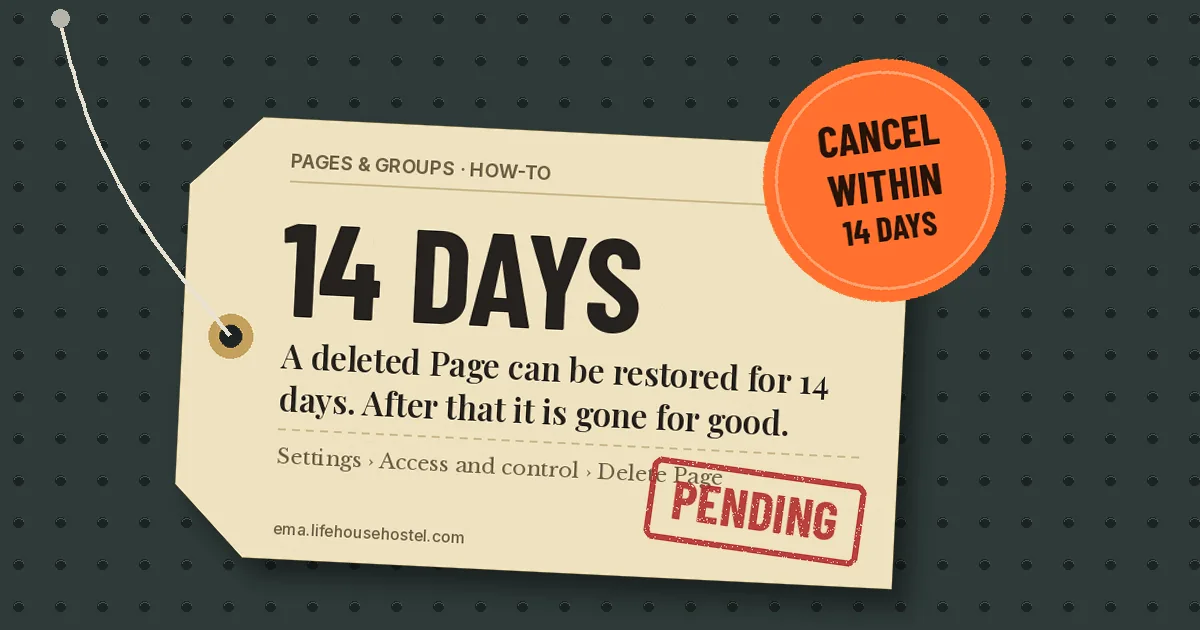
To delete a Facebook Page, switch into the Page, open Settings & privacy > Settings > Access and control, then choose Delete Page. Facebook deactivates the Page at once but keeps it for 14 days. You can cancel during that time. After 14 days it is gone for good, with its posts, followers and reviews.
- You need Facebook access with full control of the Page to delete it.
- Deletion becomes permanent 14 days after you request it. Cancel before then to get everything back.
- Want it out of sight without losing it? Deactivate it instead (older Pages call this “unpublish”).
On the Facebook app (Android or iPhone)
- Tap your profile picture (bottom right on iPhone, top right on Android) and tap the Page’s name to switch into it.
- Open the menu and tap Settings & privacy, then Settings.
- Tap Access and control.
- Tap Delete Page, then Continue.
- Enter your password if asked, and confirm.
On a computer
- Log in at facebook.com, click your profile photo at the top right, then See all profiles.
- Select the Page to switch into it.
- Click the Page’s photo at the top right, then Settings & privacy > Settings.
- Click Access and control in the left menu.
- Select Delete Page, click Continue and follow the prompts.
Can’t find Access and control? Meta moves Page settings in waves. On some Pages the same option sits under Privacy > Facebook Page information > Deactivation and deletion.
Deleting a business Page
A business Page is deleted the same way. Two extra checks first:
- Check who has full control. If the Page belongs to a business portfolio in Meta Business Suite, the person deleting it needs Facebook access with full control. Task access isn’t enough.
- Removing it from Business Suite is not deleting it. Taking a Page out of a business portfolio only unlinks it. The Page stays live on Facebook.
- Turn off running ads first. Stop or finish any campaigns tied to the Page so you aren’t left with billing questions.
- Download your data. If you want the posts and photos, download the Page’s information before you delete. Once the 14 days pass there is nothing to download.
How to cancel a Page deletion
You have 14 days. Log in to your personal profile, find the Page under your profiles, and choose to reactivate it (it may show as Cancel deletion). Do this from your personal profile; the Page’s business settings don’t offer it. The Page returns with its followers and posts.
Delete vs deactivate
| Deactivate (unpublish) | Delete | |
|---|---|---|
| Who can see it | Nobody except people with access | Nobody |
| Followers and posts | Kept | Removed after 14 days |
| Can you undo it? | Yes, any time | Only within 14 days |
If you’re closing a seasonal shop or pausing a club, deactivate. Delete only when you are sure you never want the Page or its audience again.
Gotchas
- Your profile is not affected. Deleting a Page doesn’t touch your personal account.
- Other people with access can cancel it. Anyone else with full control can reactivate the Page during the 14 days. Remove other people’s access first if that’s a risk.
- Old Page links break. Update your website, Google Business Profile and Instagram bio after deletion.
Selling the leftover stock on Marketplace? Here’s what OBO means on Facebook Marketplace and how buyers will read it.
FAQ
Why don’t I see Delete Page?
You probably have partial control or task access. Only people with Facebook access and full control can delete a Page. Ask an owner with full control to delete it or give you full control.
Can I delete a Page someone else created?
Only if they gave you full control. If you can’t reach the owner of a Page about your business, Meta has a separate process for reporting or claiming Pages through the Help Center.
How long does it take to delete a Facebook Page?
The Page disappears from public view at once. Permanent deletion happens 14 days after you confirm.
Do followers get notified when a Page is deleted?
Meta’s help page doesn’t mention any notice to followers. The Page simply stops appearing in their feed and search.
Checked against Meta’s Help Center for the Facebook app on Android and iPhone and facebook.com, October 2026. Sources: Meta Help Center: Delete or cancel deletion of your Facebook Page, Meta Help Center: Deactivate or reactivate your Facebook Page, The Tech Gorilla (August 2026).